ViewerSea
ViewerSea (Alpha)
A chat-driven naval battle royale for live streams
Overview
Supported platforms : Windows (Twitch and Tiktok, tested), Mac (Twitch, not tested)
! Recommended to download the executable and running from your machine
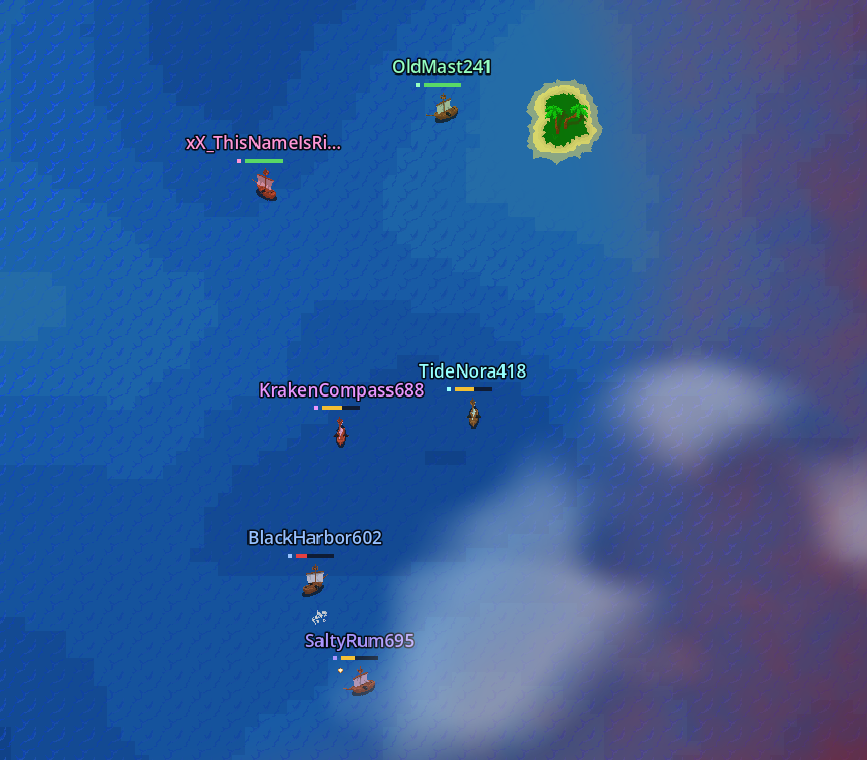
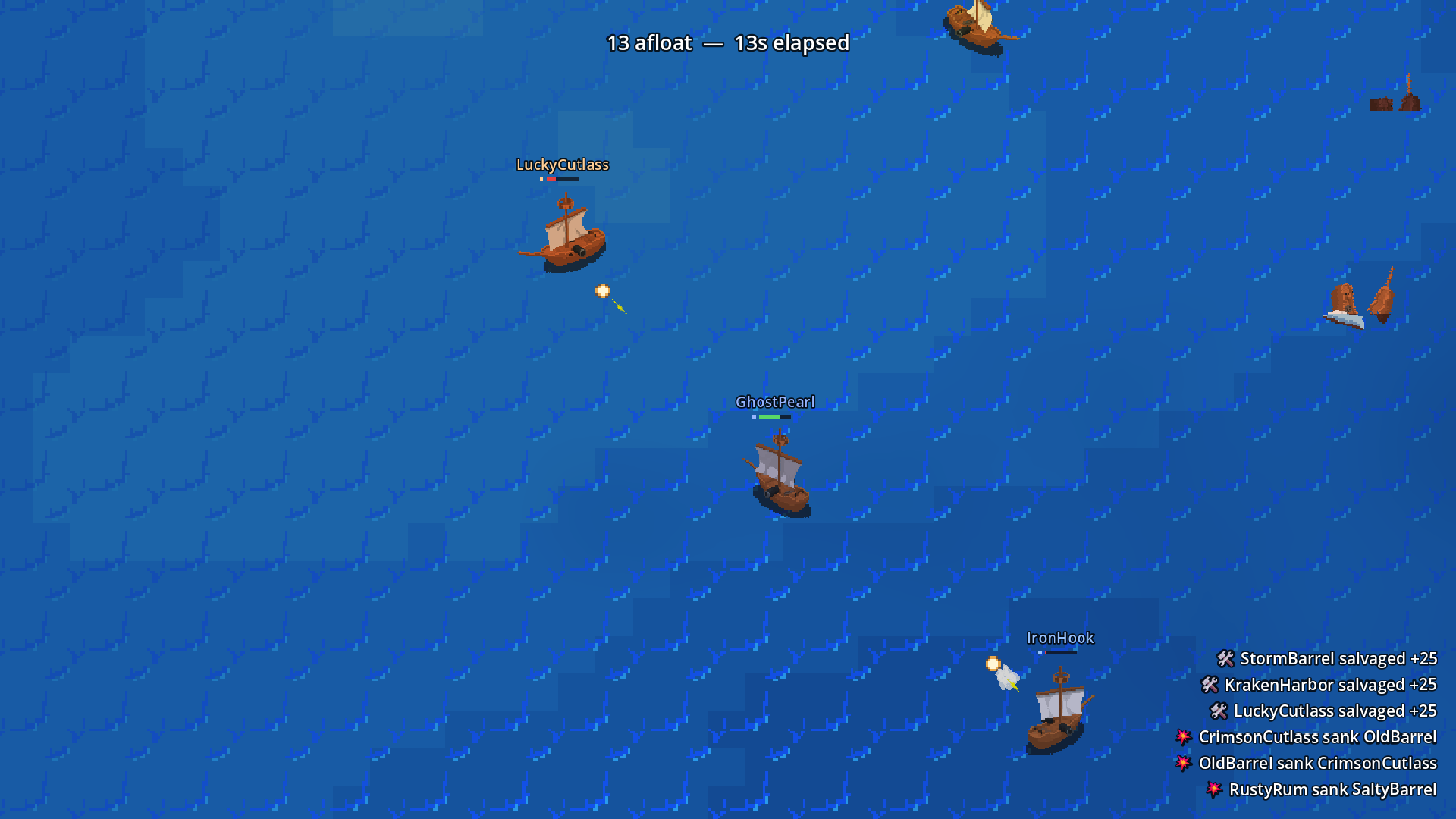
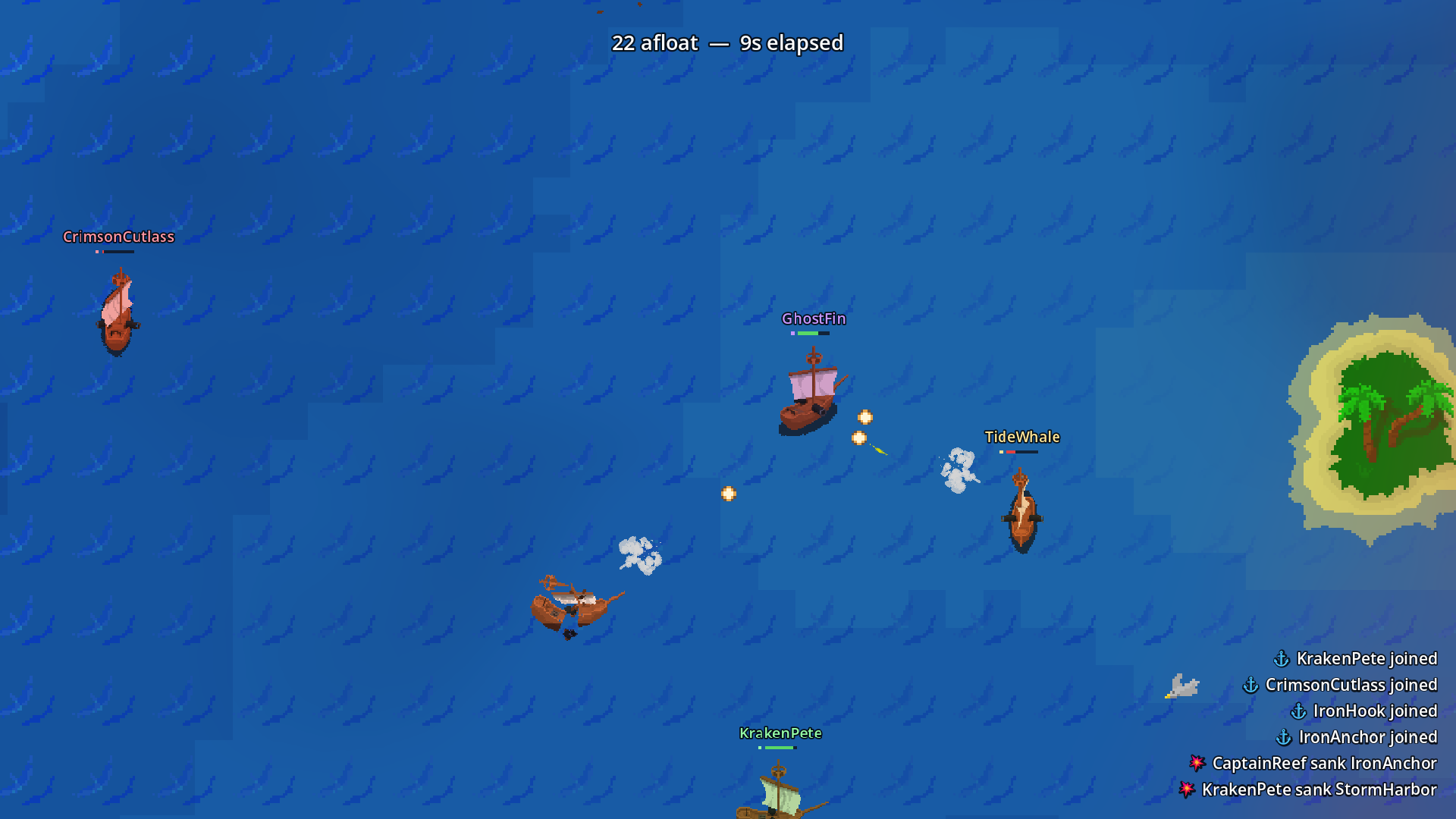
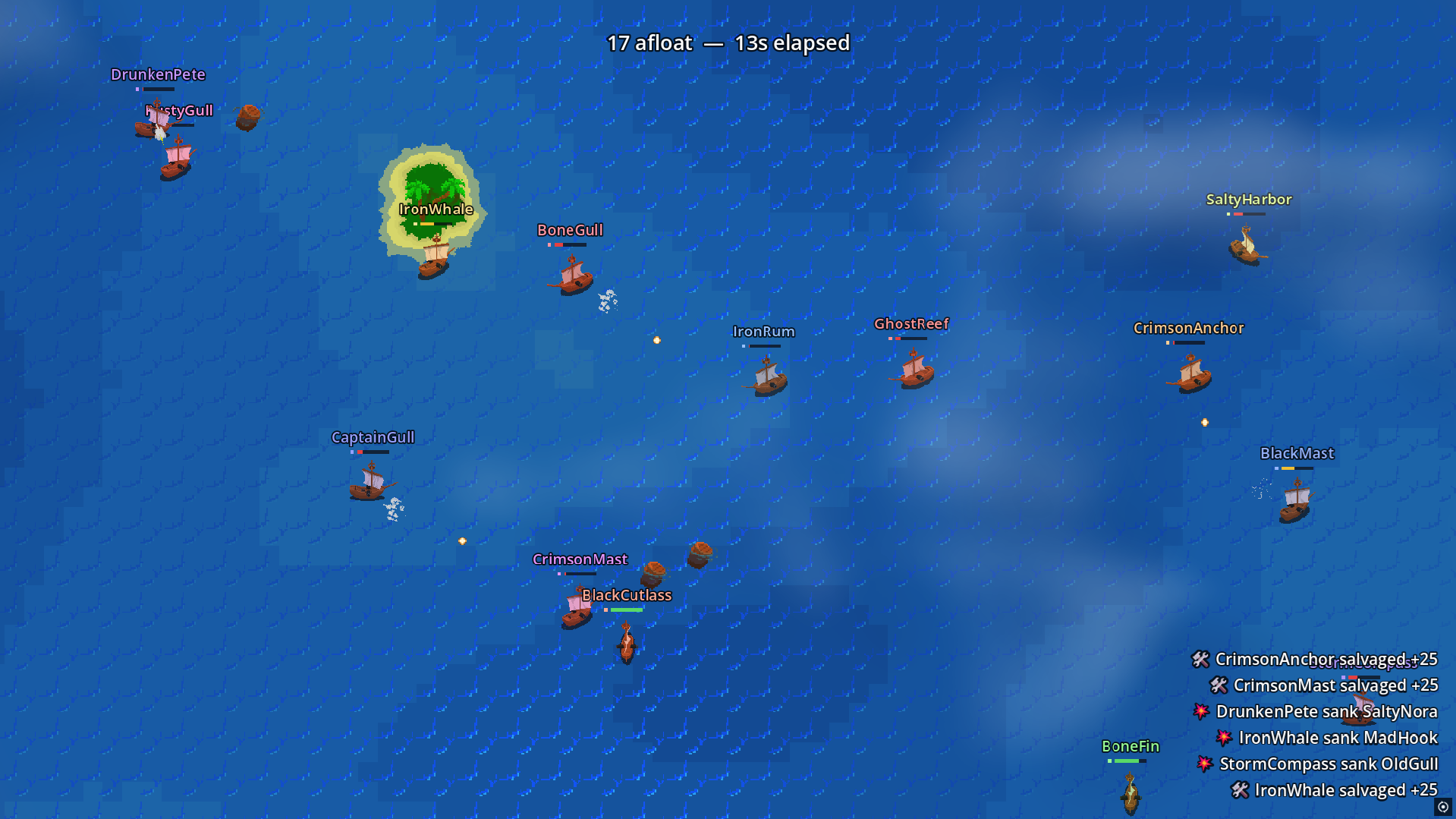
ViewerSea is an interactive naval combat spectacle designed for live streamers and their communities. Viewers join by typing a single command in chat to add their ship to the battlefield. What follows is pure spectacle—hundreds of vessels engage in real-time combat, with intelligent AI commanding every ship as the arena shrinks and the storm closes in.
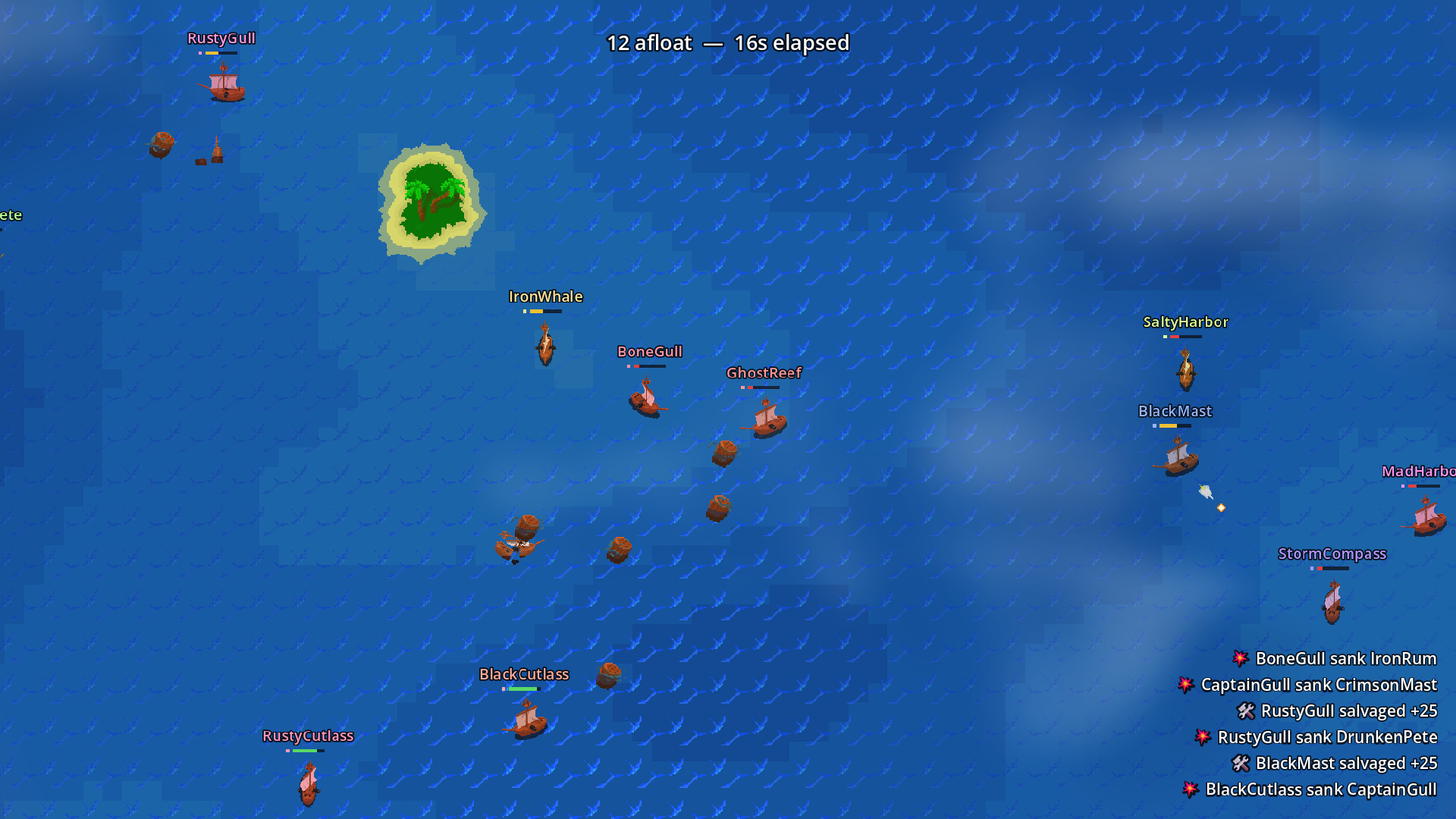
The viewer's only input is joining. Everything after that is spectacle: watching their ship maneuver through chaotic broadsides, tracking their placement on the scoreboard, and celebrating if they're the last one afloat. Built for streamers who want compelling end-of-stream events that require zero additional setup.
How It Works
For Viewers
The flow is simple:
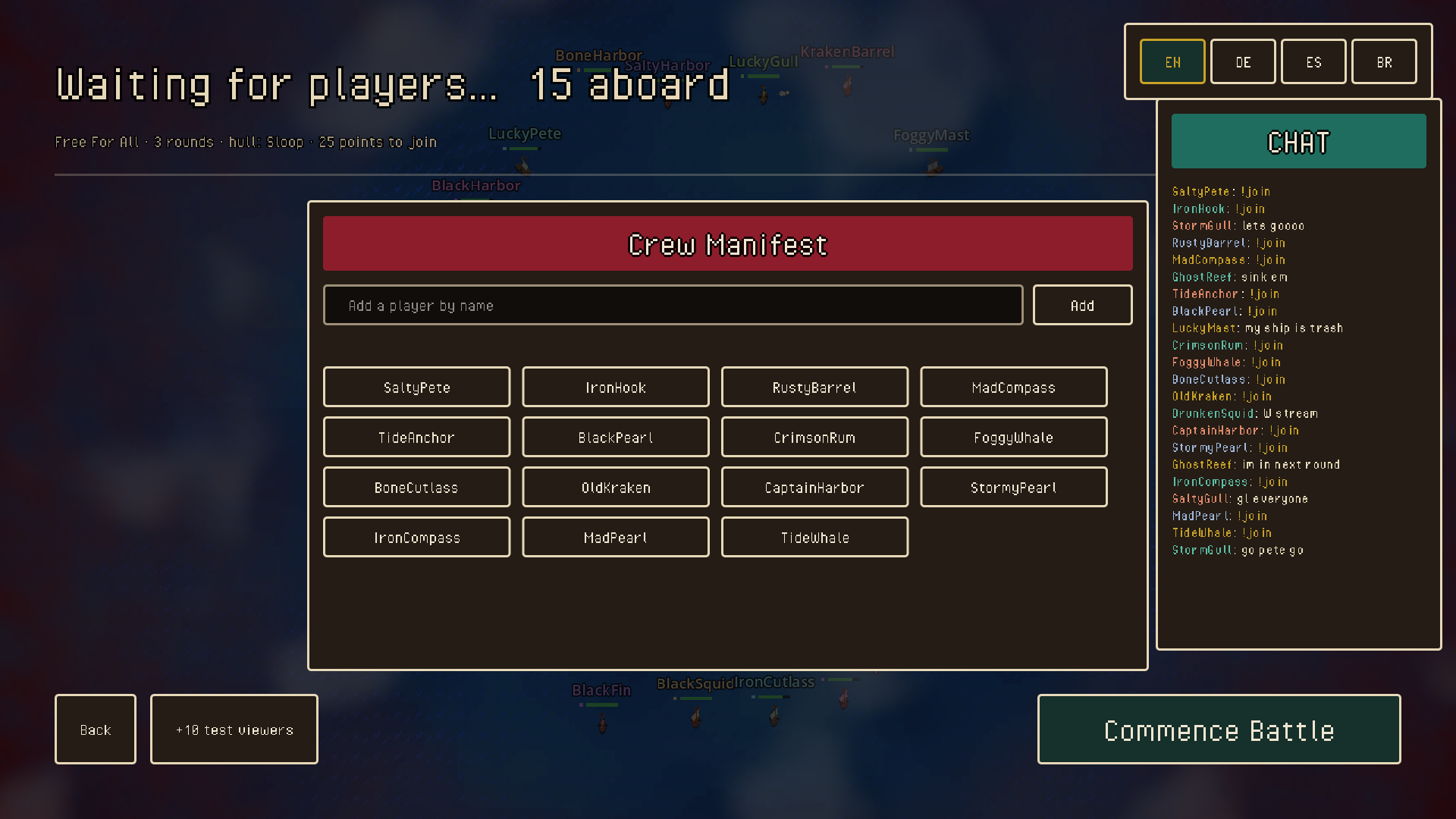
- Announcer calls for joins during the lobby phase
- Type !join to enter
- Your ship appears on the sea with your name
- Battles happen automatically—no player input required
- Last ship standing wins payouts and glory
For Streamers
ViewerSea handles everything. Start a match, let viewers join through chat, and watch the battle unfold. The game manages all AI combat, displays scoreboards and kill feeds, and provides full controls for adjusting difficulty, arena size, and scoring rules. Connect your chat platform and let it run—it's designed to require zero mid-match intervention.
Connecting your stream
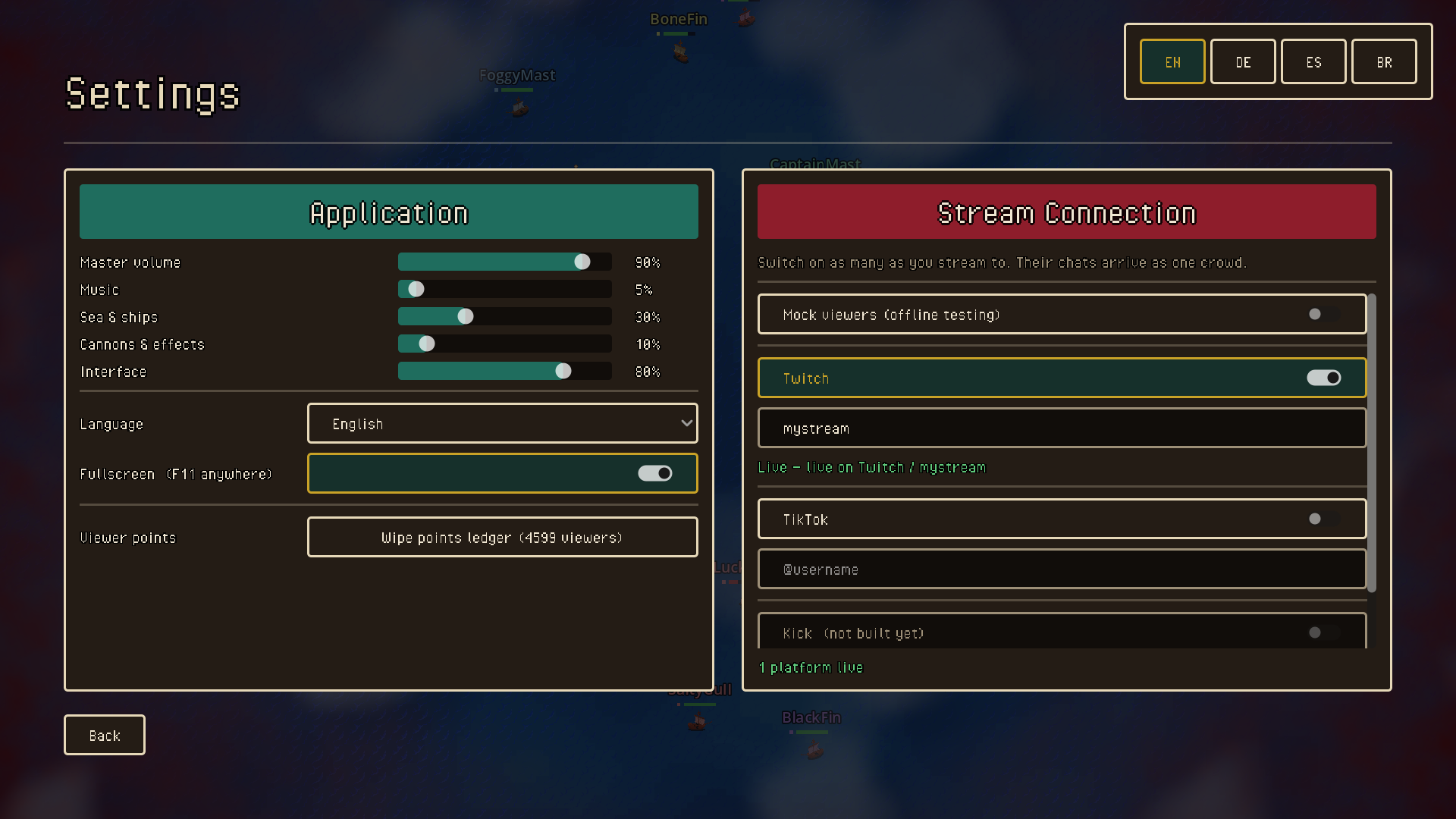
Open Settings → Stream Connection. Switch on as many platforms as you stream to at once — their chats arrive as one crowd, and a viewer on either one joins the same battle.
Twitch
- Type your channel name into the Twitch field — just the name, no
#, capitals don't matter. - Flip the Twitch switch on.
- The line underneath should say Live. That's it.
No login, no token, no app to authorise. ViewerSea reads chat through Twitch's anonymous read-only connection, so it can never post, moderate, or touch your account. Works on Windows, macOS, and in the browser build.
TikTok
- Type your @username into the TikTok field.
- Flip the TikTok switch on.
- Go live first. TikTok chat only exists while you are actually streaming — switching this on beforehand will just report that the account isn't live.
There is nothing to install. TikTok has no public chat API, so the game ships a small helper and starts it for you when you flip the switch.
Windows only, and it relies on an unofficial community connector — if TikTok changes something on their end it can stop working until the connector catches up. If the helper drops mid-stream the match keeps running and any other platform you have switched on carries on regardless.
Features
Intelligent Ship AI
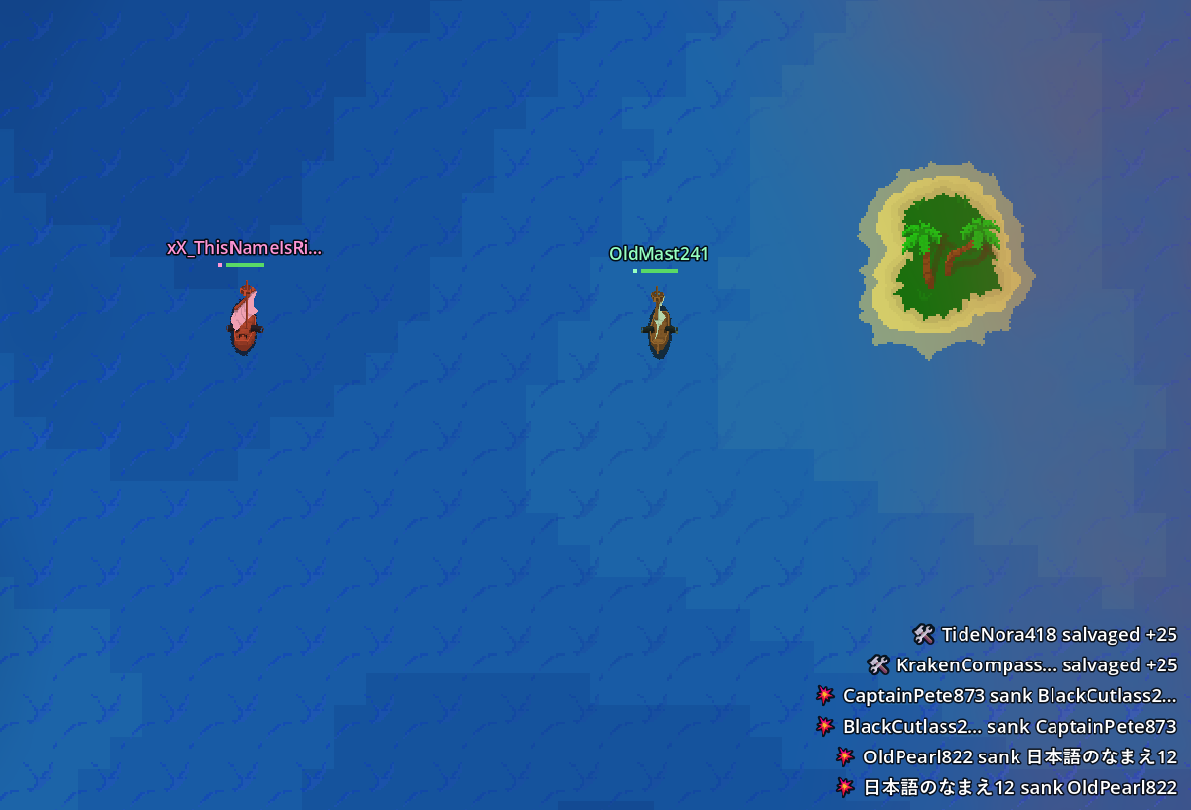
Every vessel commands itself with realistic naval tactics—circling to maintain broadsides, backing away when outgunned, fleeing the storm.
Dynamic Storm Ring
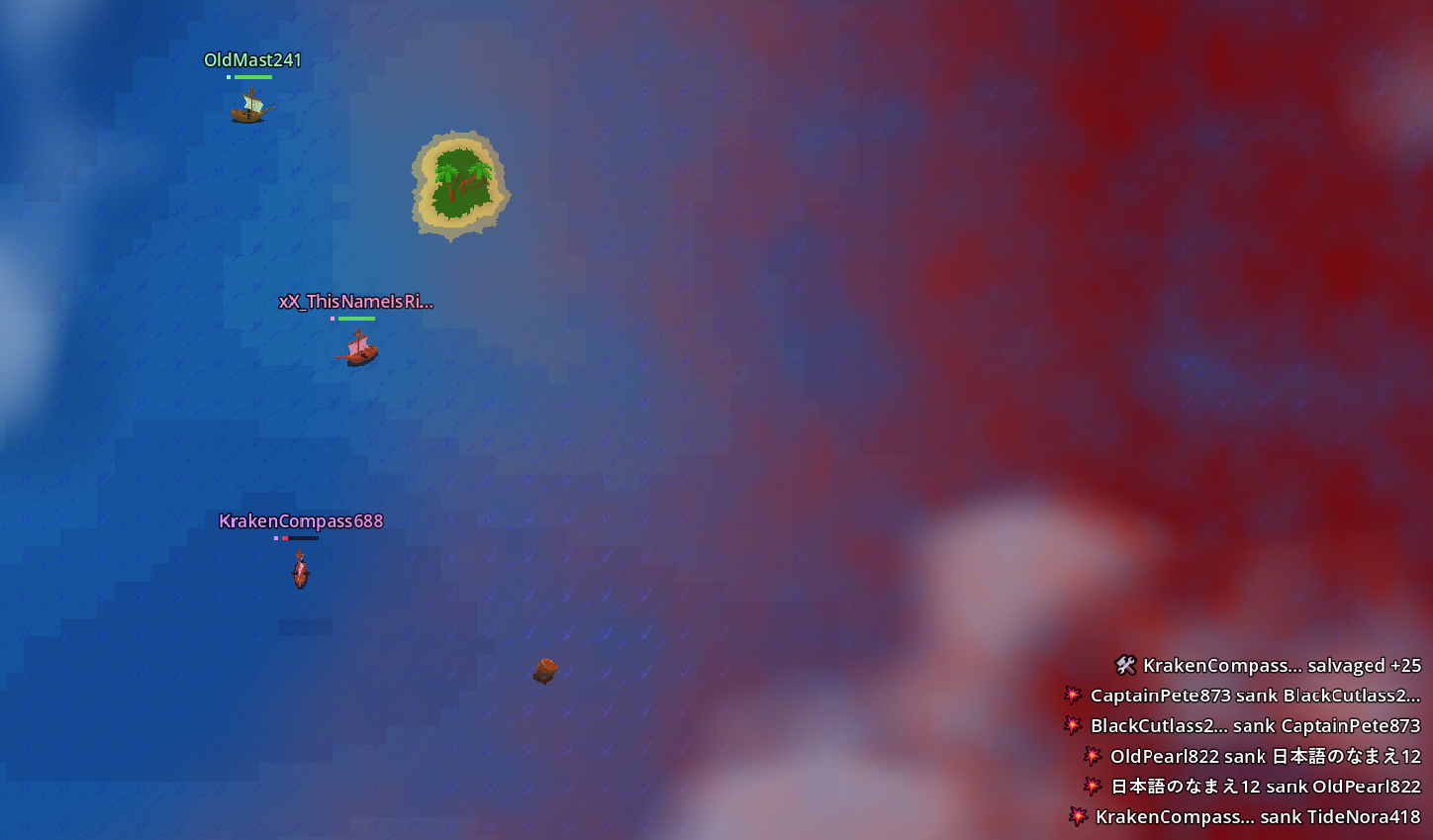
The shrinking danger zone forces action and paces the match, guaranteeing an end. Matches typically run 2–4 minutes.
Spectator Camera
Pan, zoom, and follow individual ships. View the full battlefield from above or zoom in on action.
Built-in Points Economy* (Some features are still in works)
Manage entry fees, payouts, and viewer points entirely within the game. Survive to earn bonus rewards.
Live Scoreboard
Viewers track kills, placement, and payouts in real time. The scoreboard holds between rounds.
Squad Mode
Team-based battles where friendly fire is off. Requires strategy to eliminate rival crews while protecting your own.
Fully Customizable* (Some features are still in works)
Adjust fleet size, arena scale, entry fees, point payouts, and scoring rules. All tuning happens in-game without rebuilding.
Technical Specifications
Campaign Mode* (Comming soon)
Campaign mode transforms ViewerSea from a one-off spectacle into a persistent competitive narrative. Fixed squads compete across a season, accumulating points and climbing a leaderboard as they face different opponents each round.
Planned features:
- Fixed squads — Crews assemble and compete together
- Progressive scoring — Points accumulate across rounds
- Dynamic matchmaking — Face new crews each battle
- Persistent leaderboard — Weekly and seasonal rankings
- Streak bonuses — Rewards for consecutive victories
- Territory control — Strategic depth for veteran crews
Campaign mode is built for streamers running weekly events where the same crews return night after night, building chemistry and rivalries.
Getting Started
ViewerSea is ready to play. Download a build for your platform, open it, and you're in the lobby. The game is self-contained and requires no external dependencies or configuration.
Full documentation is included covering customization, chat integration, scoring tuning, and streaming setup. Whether you're running a single test match or building a regular tournament series, everything you need is in the box.
Built for streamers. Made for viewers. Powered by naval chaos.
ViewerSea © 2026
Download
Click download now to get access to the following files:
Leave a comment
Log in with itch.io to leave a comment.